
Your people, your front desk and your messages, in one place
Queues, visitors, signage and staff records; for schools, lessons and welfare too.
14 days free. Or book a demonstration on WhatsApp.
In pilot at Maryhill High School, Mbarara.
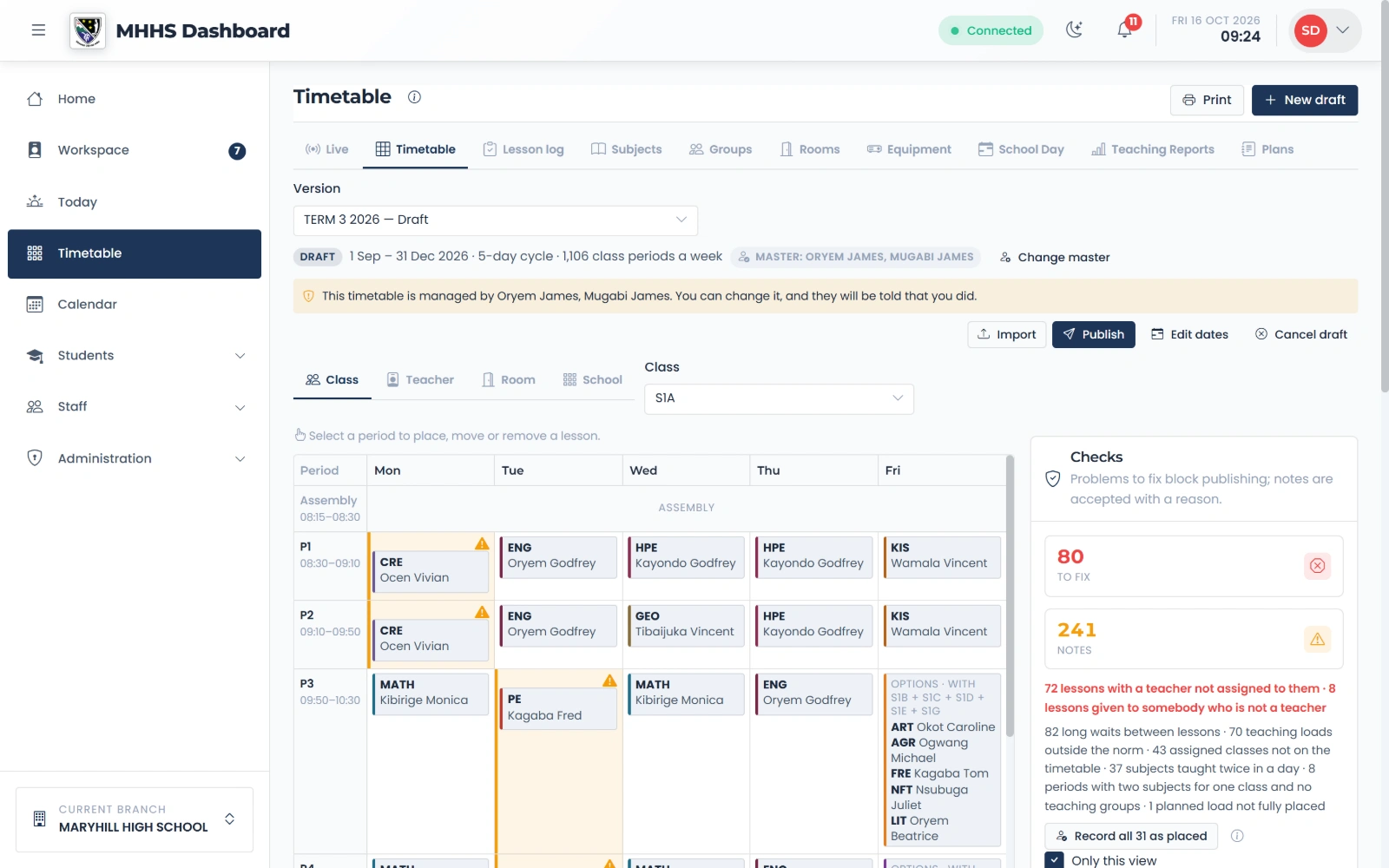
Who are you?
Teacher
Your lessons, your duty and the register, on your phone.
Take the tourDirector of Studies
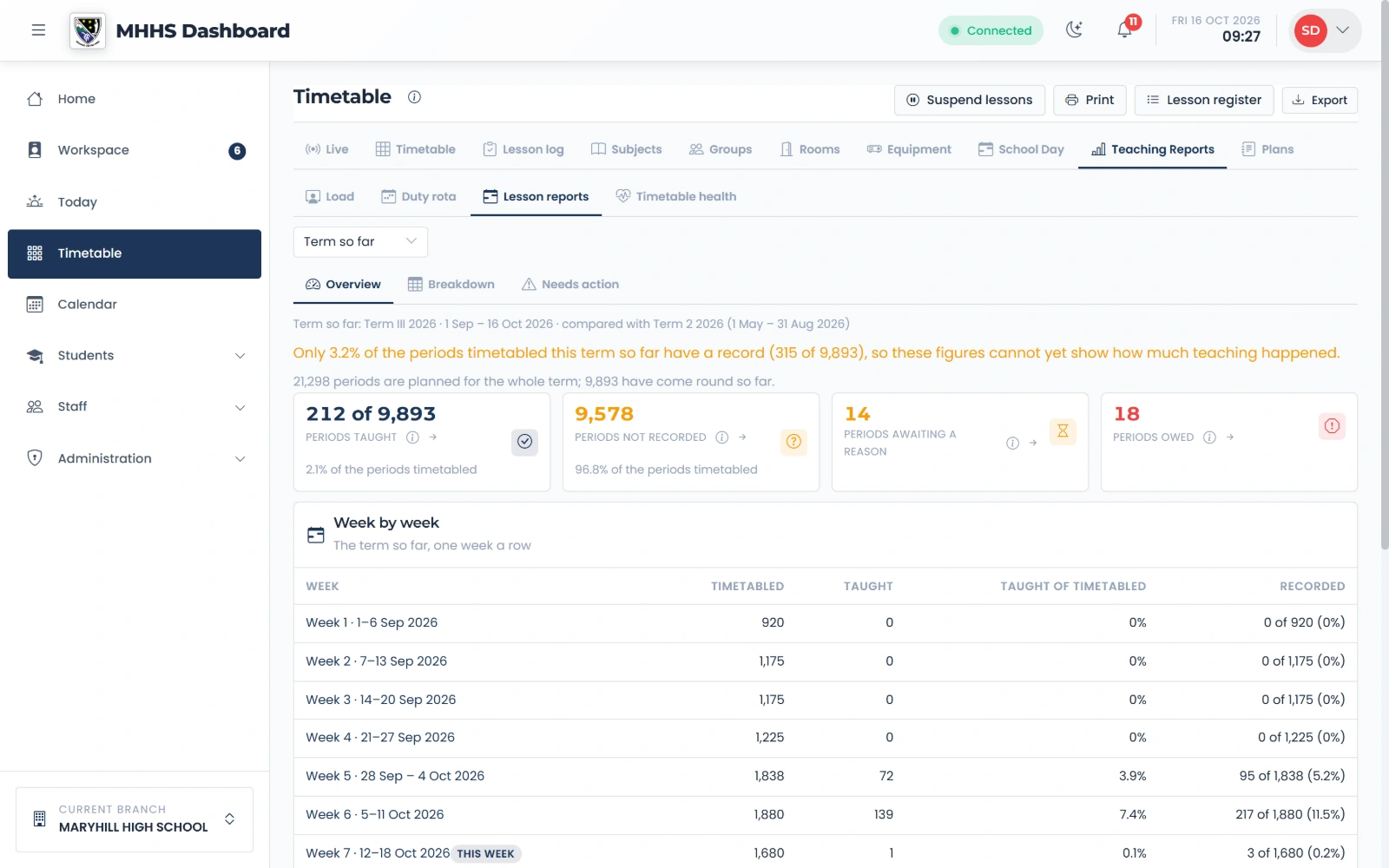
Build the timetable, then see what was taught and missed.
Take the tourWelfare and safeguarding
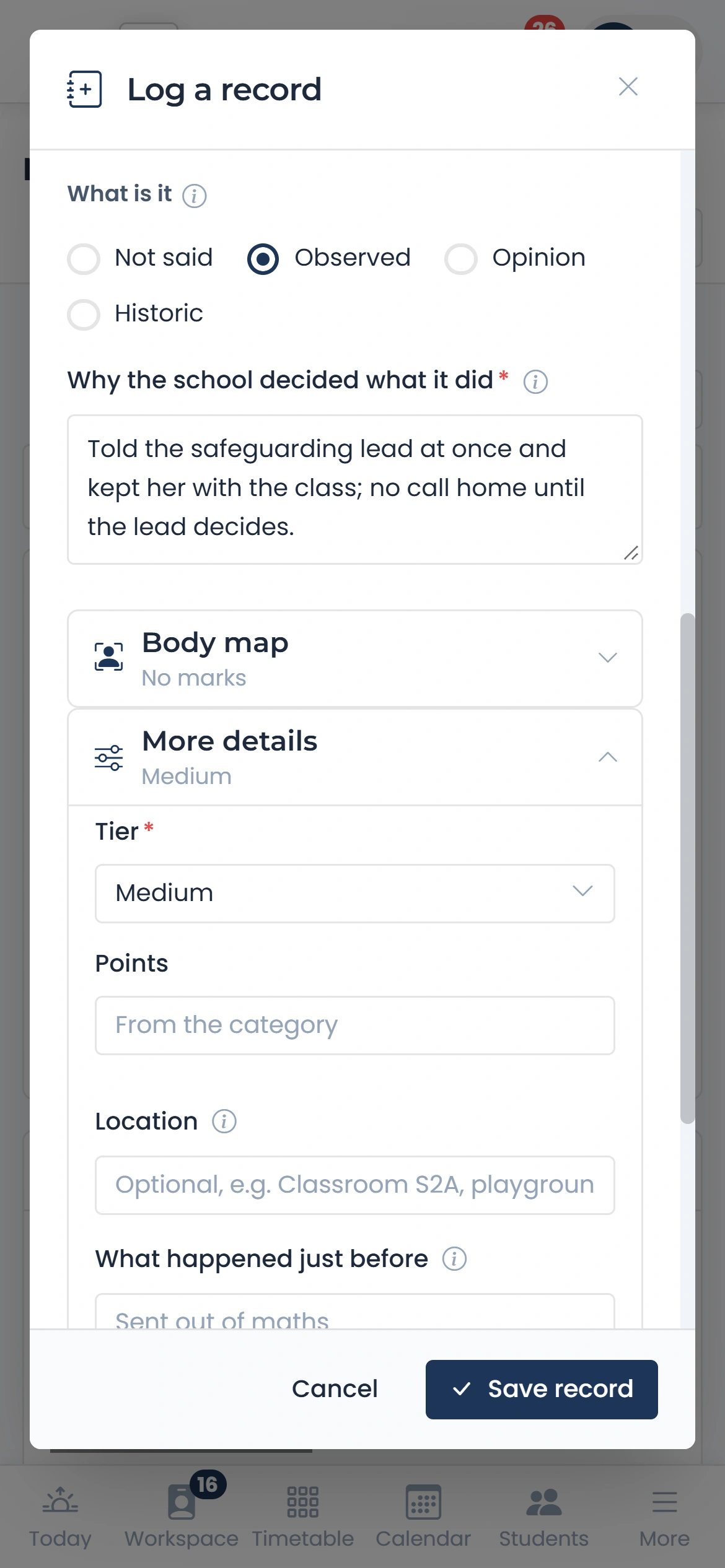
Each child's records in one place, read only by the right people.
Take the tourHead and administrators
The calendar, meetings, notices and the duty rota.
Take the tourFront desk or queue
Visitors, queues, signage and messages, at a school or any office.
Take the tour
A day at a school
One example. The same app runs queues and front desks elsewhere.
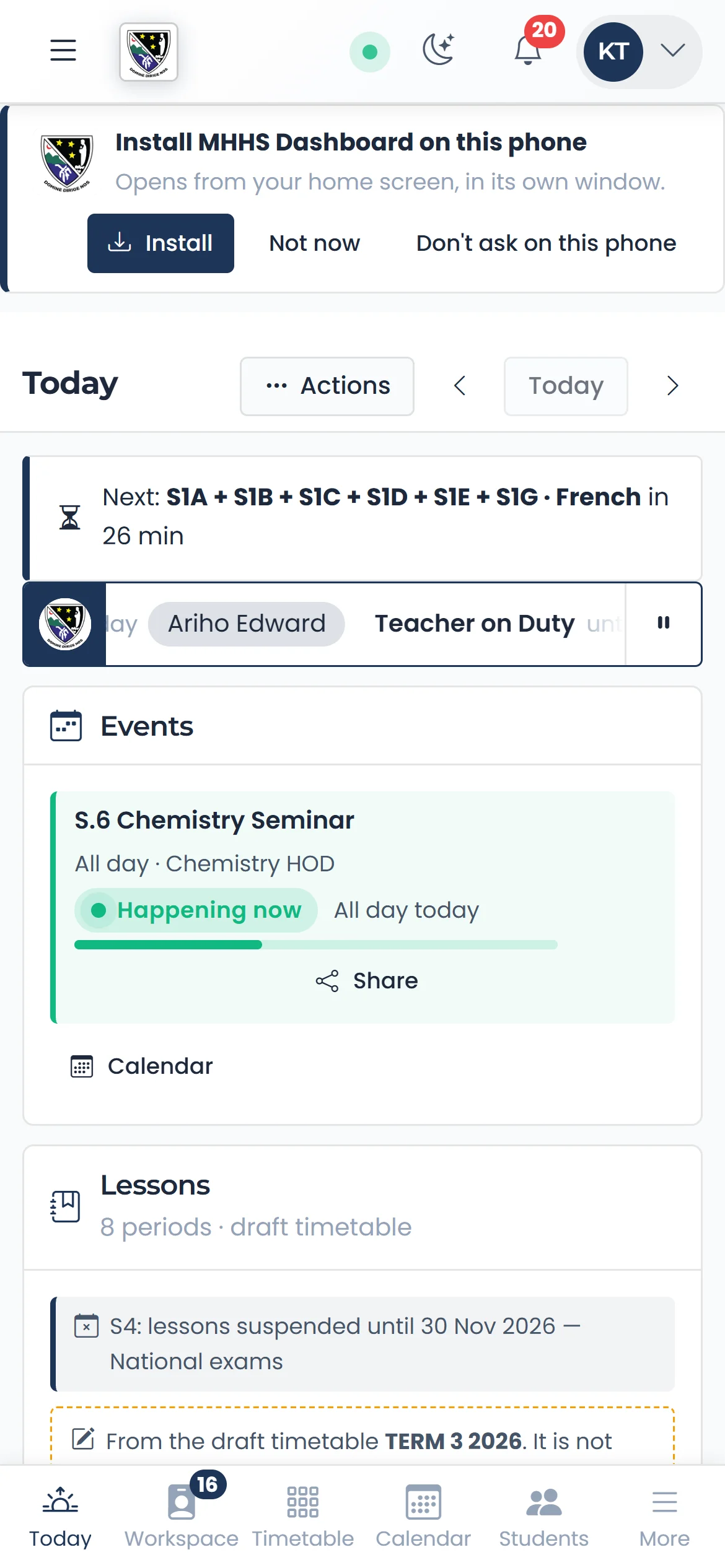
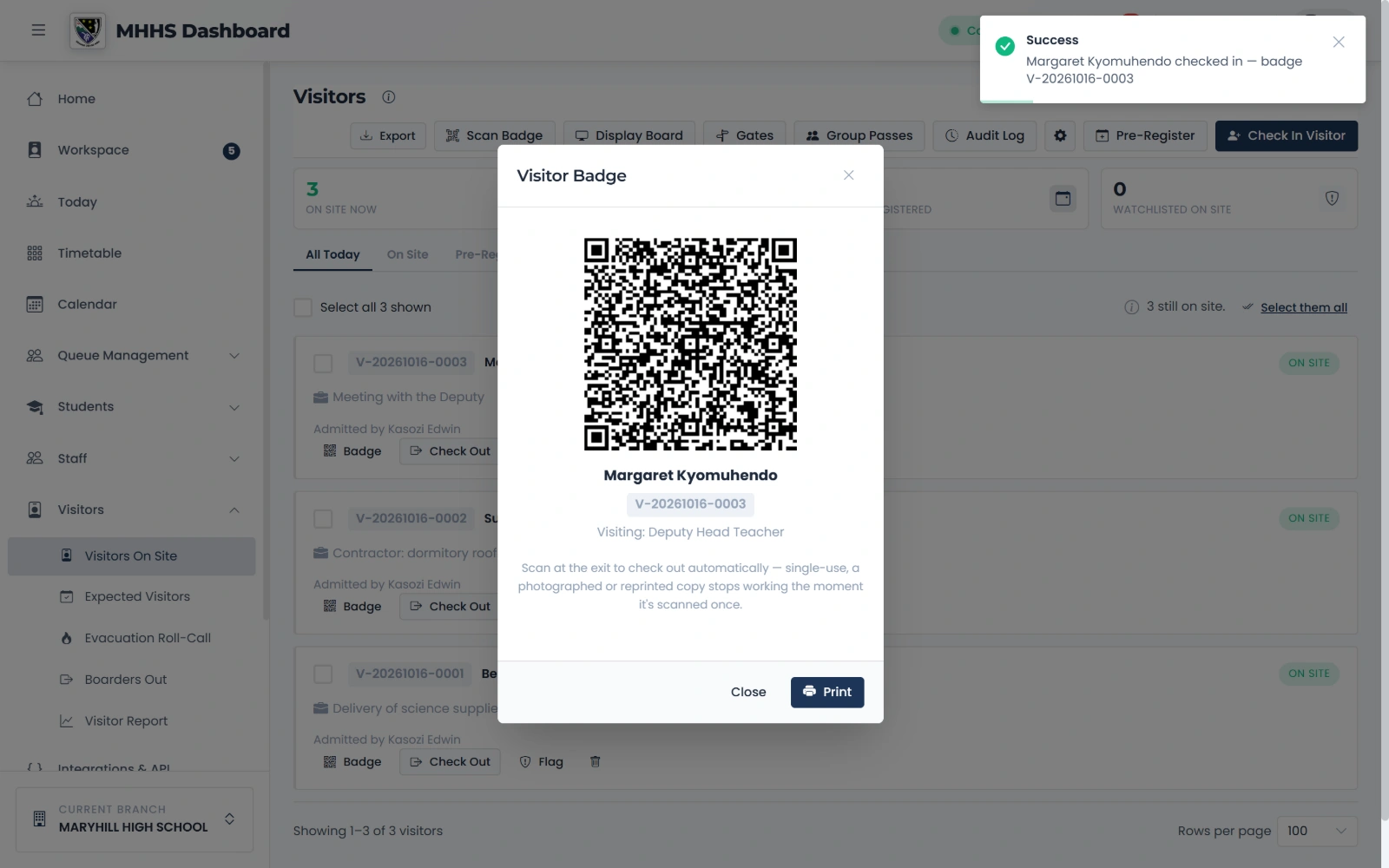
09:30
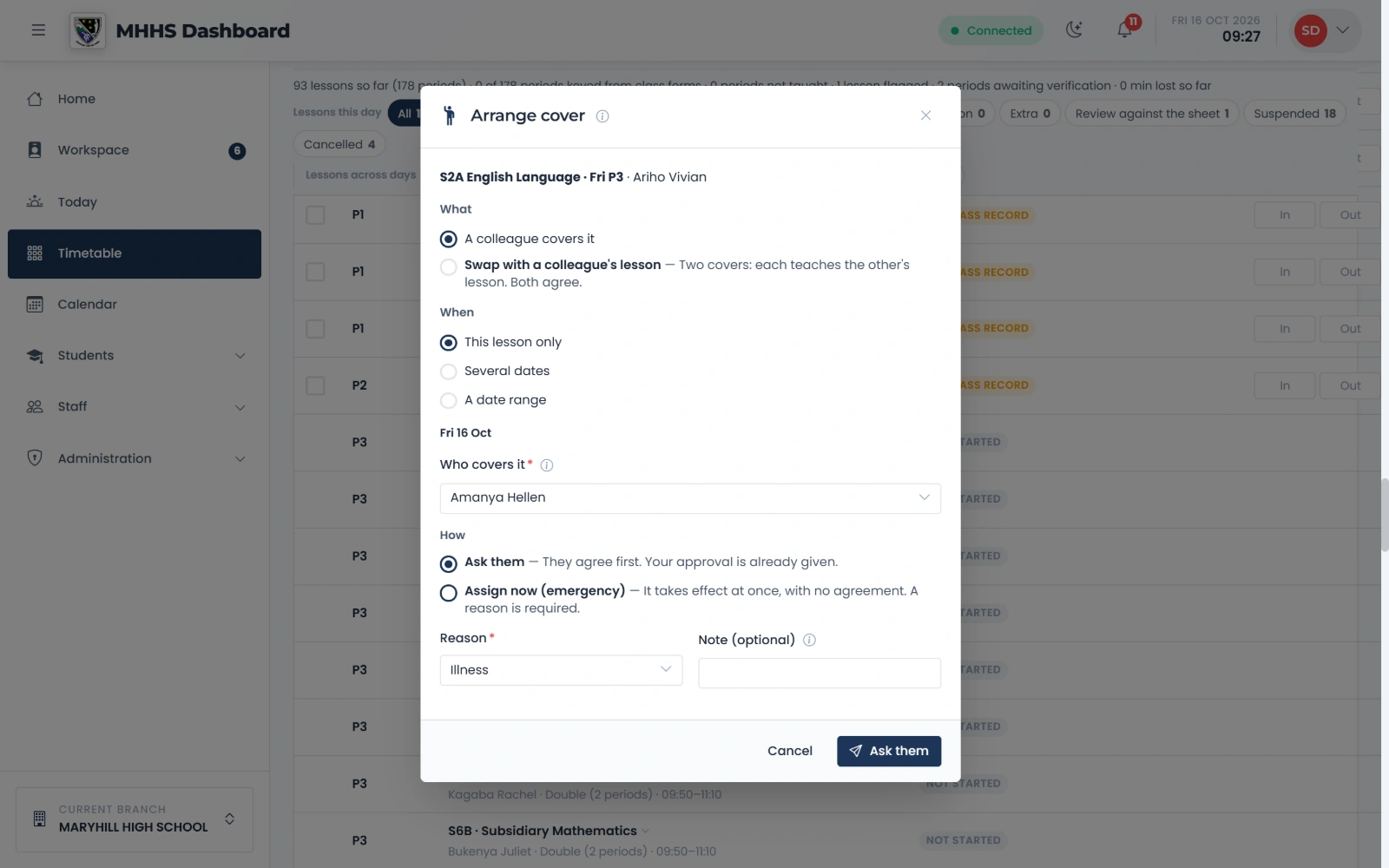
Cover for a lesson
An absent teacher's lesson covered, with the colleague's agreement.
Take this tour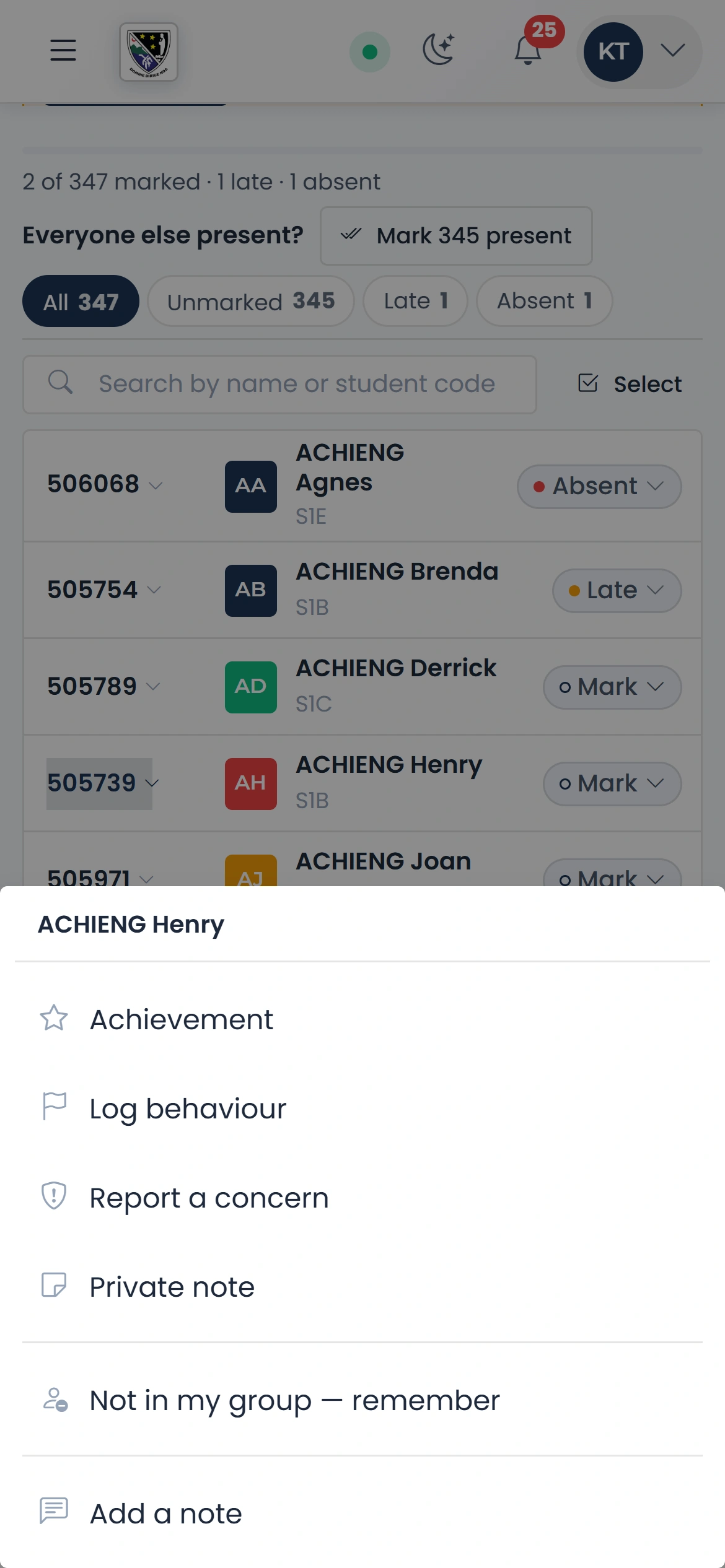
What you can rely on
Three levels of privacy
Each sensitive record is Standard, Confidential or Restricted.
Made for phones
Works on an ordinary Android phone, and installs from the browser.
Your own name
Letters, printed sheets and messages carry your name and logo.
Nothing to install
It runs in the browser. No server to buy.
Works on a weak connection
In the Android app, school registers are taken offline.
Prices
Pay only for the modules you use.
Core Queue Management
Queues, counters, a kiosk and the screen that calls tickets.
UGX 80,000 a month
UGX 800,000 a year
14-day free trial
Communication
Signage screens, messages to parents, feedback and the document library.
UGX 120,000 a month
UGX 1,200,000 a year
14-day free trial
Visitor Management
Visitor check-in, badges and the evacuation roll call.
UGX 95,000 a month
UGX 950,000 a year
14-day free trial
Welfare & Performance
Students, welfare, timetable, registers, lesson plans and staff performance.
UGX 60,000 a month
UGX 600,000 a year
14-day free trial
Integrations & API Access
API keys and webhooks to connect your other systems.
UGX 60,000 a month
UGX 600,000 a year
14-day free trial
White-Label Plus
Your own name on the copyright line, in place of ours.
UGX 50,000 a month
UGX 500,000 a year
14-day free trial
Getting started
Register
Your organisation and the modules to try.
Import your staff
From the spreadsheet you already have.
Set up your branches
Your counters, gates and screens.
Schools: students and timetable
Read from your own lists and grid.
Staff sign in
By email, a text or a printed slip.
Questions
Is it only for schools?
No. It also runs queues, a visitor book, signage and messages for banks, hospitals and offices.
Does it work on cheap phones?
Yes. It runs in the browser of an ordinary Android phone, and there is an Android app.
What happens without internet?
Most things need a connection. In the Android app, school registers can be taken offline and are sent later.
Can it carry our own name?
Yes: your name and logo on letters, sheets and messages. With the Communication module, the app wears your name and colours too.
Who can read sensitive records?
Each record is Standard, Confidential or Restricted, and opening a confidential file is logged.
Do school records follow national requirements?
Yes. Competency-based assessment, examination entry sheets and staff returns follow the national formats.
See it with your own people
Start a free trialBook a demonstration on WhatsApp
Or call +256 753 404 044